Everyday living
A cat supply notebook your household can share
Keep cat supply names, locations, and shopping notes in one place, with a copyable table and a simple handoff for your household or sitter.
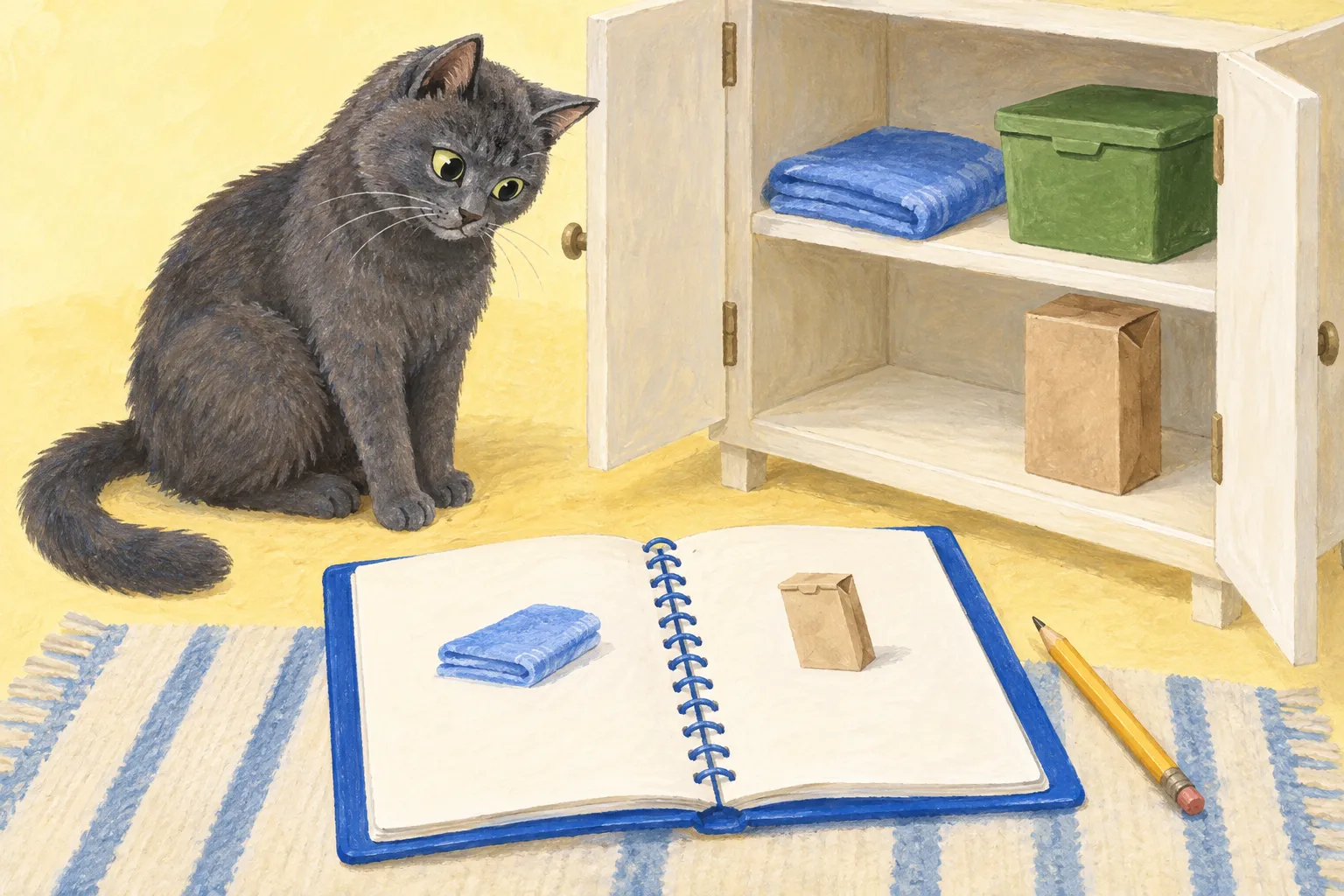
Put the cat supplies you keep looking for in one short note: what the item is, where it lives, and whether someone has already ordered more. A notebook page or shared digital document works. Choose the one your household will actually open.
You can also share the relevant part with a cat sitter. This is a household supply note; use it alongside the care and emergency instructions you arrange with your sitter.
Copy a supply list you can follow around the house
Start with the details you have looked up more than once. Copy this table and replace the prompts with what is actually in your home. Delete rows you do not need.
| Supply or reference | What to write down | Where to find it |
|---|---|---|
| Spare litter and cleanup bags | Exact product name and package size | Room, cupboard, and shelf |
| Scoop, broom, and spare cloths | Which items belong to the cat supplies | Their usual storage spots |
| Replacement part | Brand, model, and part name or number | Saved product link and spare-part location |
| Product instructions | Manual for the model you own | Direct link or location of the paper copy |
| Recurring order | Items included and next order date | Account name and person who manages it |
For example, “cleanup bags: small blue rolls, hall closet, middle shelf, green bin” gives the next person a place to look. “Bags in the cupboard” leaves them opening doors.
Add a line at the top: Last checked: [date]. Updated by: [name]. If you cannot find something yourself, mark it “location to check” until you can fill it in.
Keep passwords, payment details, and door codes out of this shared shopping note. Arrange any access information directly with the person who needs it.
Keep the exact replacement details
A receipt or saved product link is a useful starting point. Add the exact model or part identifier so the next person can compare it with the item in the house.
For a scratcher, our refill-fit guide shows which details to check. For a recurring Chewy order, use the Autoship order checklist before copying the next date and quantities into your note. Keep the live account as the place to confirm an order; a copied date can get out of step when someone changes it.
Give the next purchase an owner
Keep a short shopping line beneath the supply table. For example:
Cleanup bags: one unopened pack on hand. Sam will check before ordering. No order placed yet.
After the order is placed, replace that line with the quantity, order date, and expected arrival shown in the confirmation. Cross an item off when someone orders it, rather than when someone first mentions buying it.
This is our suggested household routine. Use whatever wording everyone understands. If you track spending too, enter your own prices in the pet budget planner.
Walk through the note with whoever will use it
Rover’s US sitter-preparation guide recommends showing a sitter where essentials are kept and explaining household details such as bin locations and agreed tasks. Use that conversation to check your supply note together.
Try this quick walkthrough:
- Open the shared note on the other person’s phone, or hand them the paper copy.
- Ask them to find the spare bags and a cloth using the written locations.
- Open a saved product or manual link and check that it refers to the item you own.
- Fix anything unclear while you are both there, then update the checked date.
For a sitter, share the supply rows they will use and confirm any household tasks with them in advance. Keep your shopping history elsewhere if they do not need it.
After the next shopping trip or handoff, add the detail someone had to ask about. Remove the old reference nobody uses. A useful note is one you can keep current without turning it into another chore.